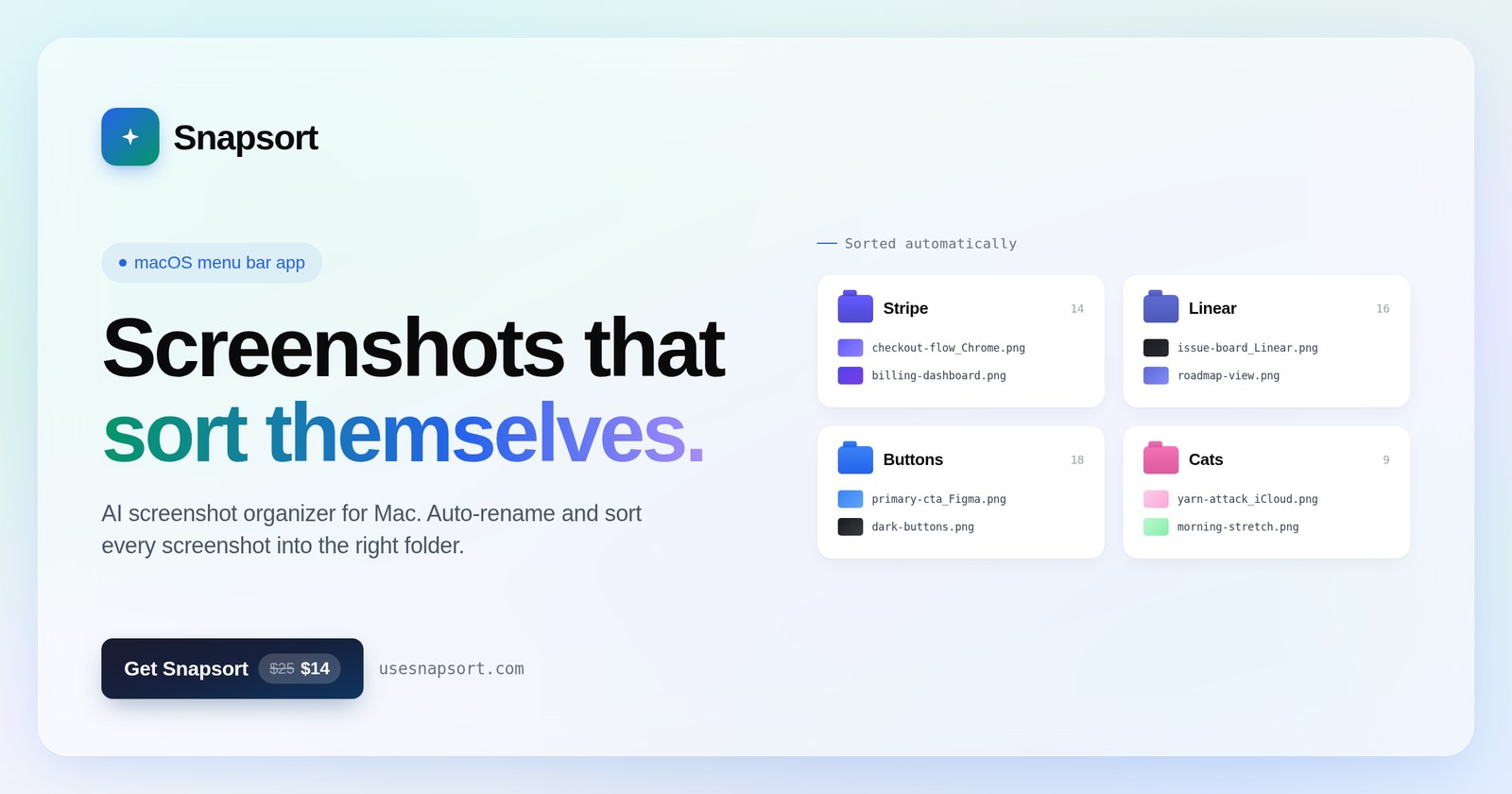
Your screenshots, filed by AI before you even look for them. A native macOS menu bar app I designed, engineered, and shipped solo. AI is not a feature here. It is the material.
Role Product Designer & Design EngineerTeam SoloStack Swift · 4 AI providersStatus Live & notarized
CLI agentsAPIsPrompt engineeringContext engineeringConnectorsEvalsPrototypingUX research
Shipped product · usesnapsort.com · macOS menu bar app, notarized and live
387Line production prompt
2,787Lines of local vision fallback
4 + 1AI providers, one abstraction
15Beta testers: devs + designers
0.75Confidence gate for AI calls
01The itch
Everyone screenshots. No one files.
My desktop was a graveyard of Screenshot 2026-01-14 at 3.42.17 PM.png. So was every designer's and developer's I asked. The screenshot is the fastest capture tool we have and the worst retrieval tool.
The problemScreenshots pile up with machine names. Finding one again means scrubbing thumbnails for minutes.
The betVision models can read a screenshot better than a filename ever will. Organization should be ambient, not a chore.
The constraintIt has to feel native, instant, and trustworthy. An AI touching your file system has no room for sloppiness.
02Product position
Invisible until useful
Snapsort lives in the menu bar, not the dock. No window to manage, no app to remember. It watches, sorts, and gets out of the way. That position drove every choice after it.
Native SwiftmacOS 14+, menu bar only. Feels like part of the OS because it behaves like part of the OS.
5-step onboardingPick a folder, optionally add an AI key, done. Works fully offline out of the box.
First-sort celebrationThe aha moment is designed, not left to chance. You see your mess become order in seconds.
03Architecture as UX
Latency, cost, and privacy are design decisions
The pipeline is hybrid by design. A 2,787-line local classifier on Apple Vision and OCR handles the easy majority: free, instant, nothing leaves the Mac. Only files below a 0.75 confidence gate go to a cloud model, worst first.
New screenshotWatcher spots it the moment it lands
Local vision passApple Vision + OCR. Free, private, instant
Confidence ≥ 0.75?Filed. No API call, no cost, no waiting
AI polish queueHard cases go to a vision model, lowest confidence first
Named & filedStrict JSON in, tidy folder + honest filename out
One provider abstraction speaks to four APIs plus any OpenAI-compatible endpoint, so local models are welcome too. Images resize to an 800px edge before upload. Rate limits honor Retry-After with a cooldown clock. Keys live in the Keychain, validated on entry.
ClaudeOpenAIGeminiGroq+ any OpenAI-compatible endpoint (local models)
04Prompt engineering
The prompt is a production surface
Classification quality lives or dies in the prompt, so I treated it like shipped UI: 387 lines, versioned, loaded at runtime so I can iterate without recompiling. Its output becomes real folder names, so it ends in a strict JSON contract.
Resources/classification_prompt.txt excerpt · 387 lines in production
RULE 1: GROUND TRUTH IS THE IMAGE
Classify only what you can SEE. If a brand mark is not visible, the brand is unknown.
RULE 2: BRAND BEATS GENERIC
"Stripe" beats "Dashboard". "Figma" beats "App UI".
ANTI-HALLUCINATION GUARD
When you cannot identify the brand AND cannot confidently identify the
content type, set folder to "Unsorted" with confidence ≤ 0.5.
"Unsorted" is honest; a wrong guess is not.OUTPUT FORMAT (STRICT)
Return ONLY this JSON. No markdown fences. No commentary.
{"category":"...","folder":"...","confidence":0.0-1.0,"description":"snake_case_tokens"}
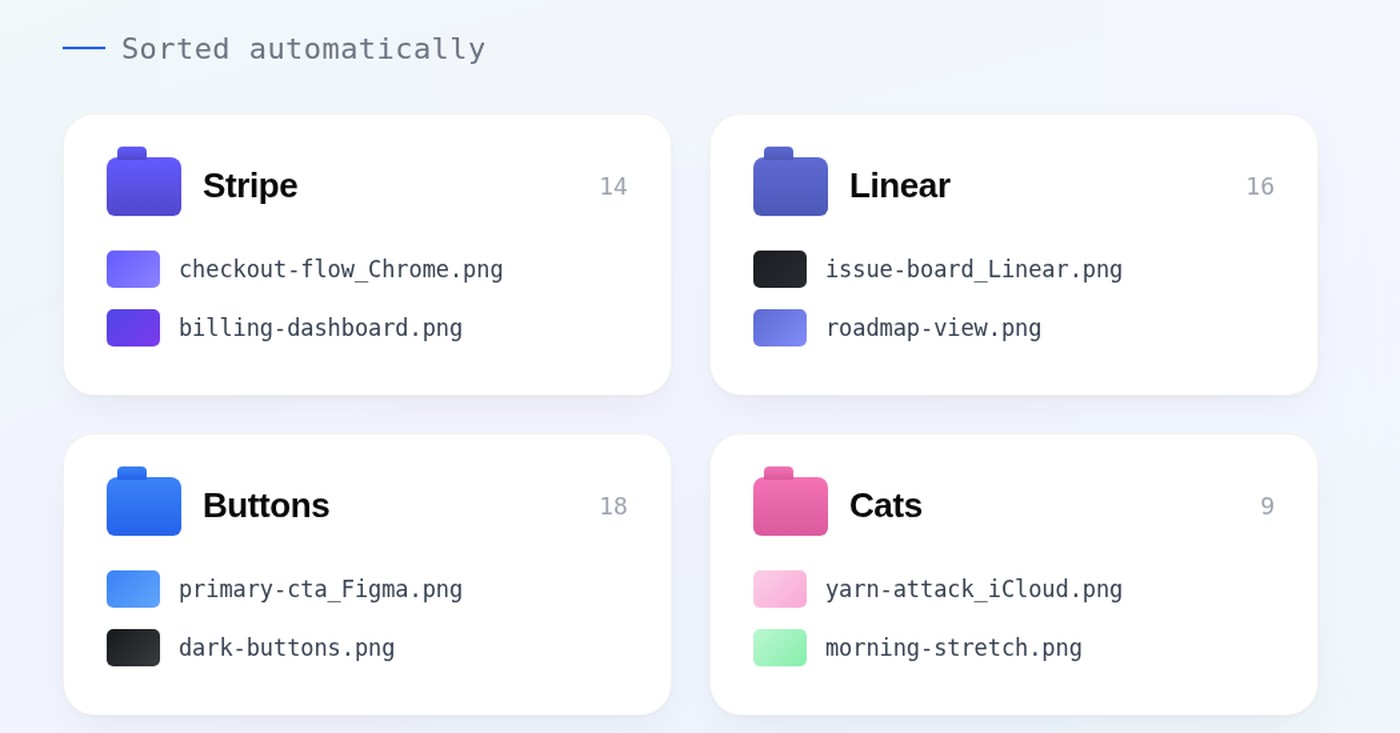
The rules, in output · brand beats generic (Stripe, Linear) · type folders stay plural (Buttons, Cats)
05Context engineering
What the model sees is designed
The image alone is not enough context, and too much context invites hallucination. Every input the model receives is deliberate, weighted, and bounded.
Source hintThe originating app travels with the image, framed as a strong but fallible hint the model must verify.
User's folders firstCustom folders inject as highest-priority context, so the AI organizes into your system, not its own taxonomy.
Filename contractDescriptions are 2 to 5 snake_case tokens with a banned-word list: no "screenshot", no "image", no filler.
06Trust UX
An AI touching your files must earn it
This is where UX craft matters most in AI products. Snapsort acts on a user's file system, so every action is consented, disclosed, and reversible.
Consent before cloudA dedicated consent sheet appears before any pixel leaves the machine. Offline mode is the default, not a downgrade.
Undo everythingEvery sort is reversible, single or bulk. Trust is the ability to say no after the fact.
Honest uncertaintyLow-confidence files route to "Unsorted" instead of a confident wrong guess. The AI is designed to admit doubt.
"Unsorted" is honest; a wrong guess is not.
From the production prompt: uncertainty as a first-class UX state
07Research & evals
15 testers turned false positives into rules
I ran a beta with 15 developers and designers, the exact audience the classifier serves. Their real screenshot libraries became my eval set. Every misclassification was traced to its cause and became a permanent rule in the prompt or the local classifier.
"Ask anything" is not ChatGPT. That phrase appears in Perplexity, Gemini, Claude, and others. Generic chat bars now route to Chats, brand only when a brand is visible.
One keyword does not make a form. The form rule tightened to require 3+ matching signals after false positives on unrelated UI.
Weak phrases are traps. "Inbox zero", "design system", "compose" got removed from the catalog entirely, with comments documenting why.
The app must never classify itself. An anti-recursion guard stops Snapsort's own UI from creating a "Snapsort" folder loop.
Canonical plurals.Login/Logins chaos normalized to one convention across the AI and local paths.
08Ship
Built with AI, shipped like a product
The whole build ran through CLI agents, with Claude Code as the daily driver and every line reviewed by hand. Then the unglamorous last mile: signing, notarization, a DMG pipeline, and a landing page.
Agentic workflowDesigned and built in the same loop. Spec in prose, iterate with CLI agents, review every line that ships.
Notarized & liveSigned, notarized, DMG-packaged, and distributed at usesnapsort.com. Real users, real file systems.
Search that speaks human"stripe dashboard last week" just works. Query parsing plus a semantic index over everything sorted.
What this proves
AI-first design is end-to-end design
Snapsort is my argument that a senior product designer today should shape the prompt, the pipeline, the trust model, and the pixels as one continuous craft. I research it, design it, build it, eval it, and ship it.